Custom-built site to Shopify, without losing the storefront that was working
An award-winning single-product brand moved off a bespoke e-commerce build onto Shopify, same design, better integrations, cleaner data.

A store that sold well and integrated badly.
RazorSharp has earned a remarkable array of awards, establishing itself as the premier pull-through knife sharpener. The storefront that built that reputation was custom-built, and custom is where integrations go to be expensive. Every shipping rule, tracking notification and email flow was a development task rather than a setting.
Alex wanted to migrate to Shopify to enhance integrations, optimize the user experience and unlock greater sales potential, without giving up the storefront design that was already converting.
Four responsibilities.
Replicated the existing design
Rebuilt the current storefront on Shopify rather than reinterpreting it, the layout, hierarchy and proof elements customers already responded to, carried across intact.
Configured the essential apps
Shipping, order tracking and email management set up and configured to the business, the three areas that had been custom code and could now be settings the client controls.
Google Tag Manager and analytics
GTM and analytics implemented as part of the migration, not after it, so the store's measurement was live from the first order on the new platform.
A fast, seamless deployment
The cutover orchestrated to be quick and uneventful, the kind of launch where customers notice nothing except that the store keeps working.
The store as it ships.
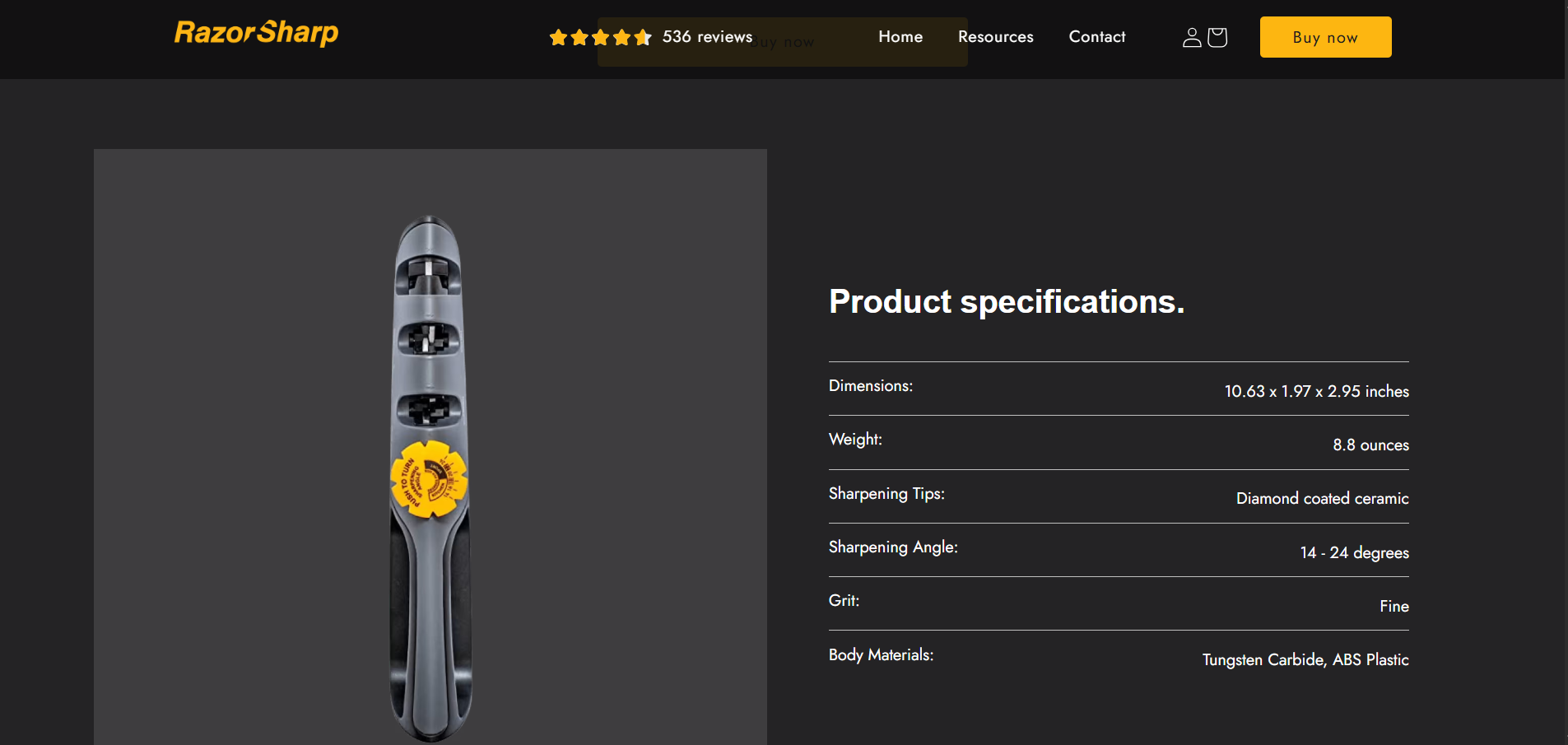
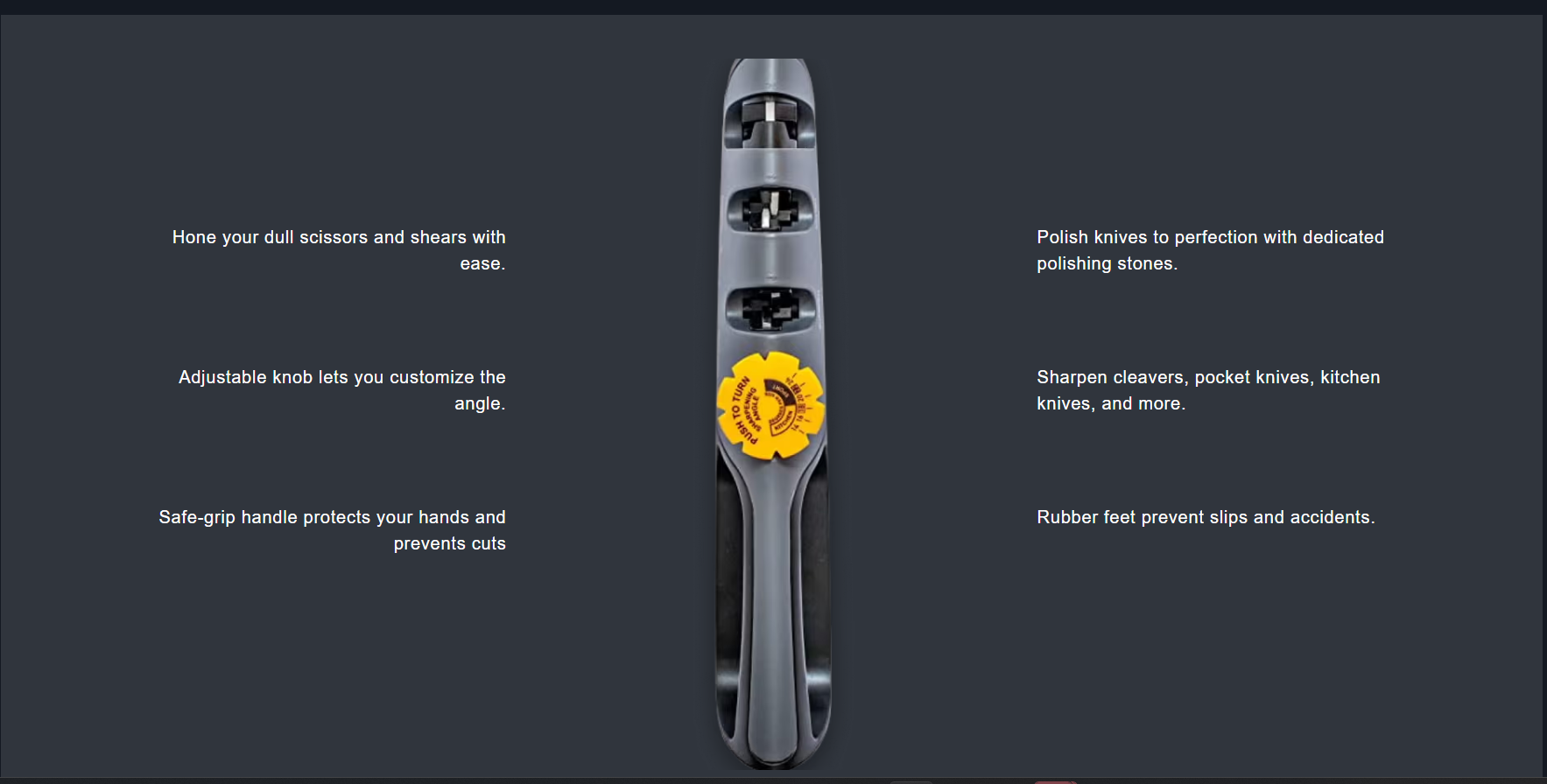
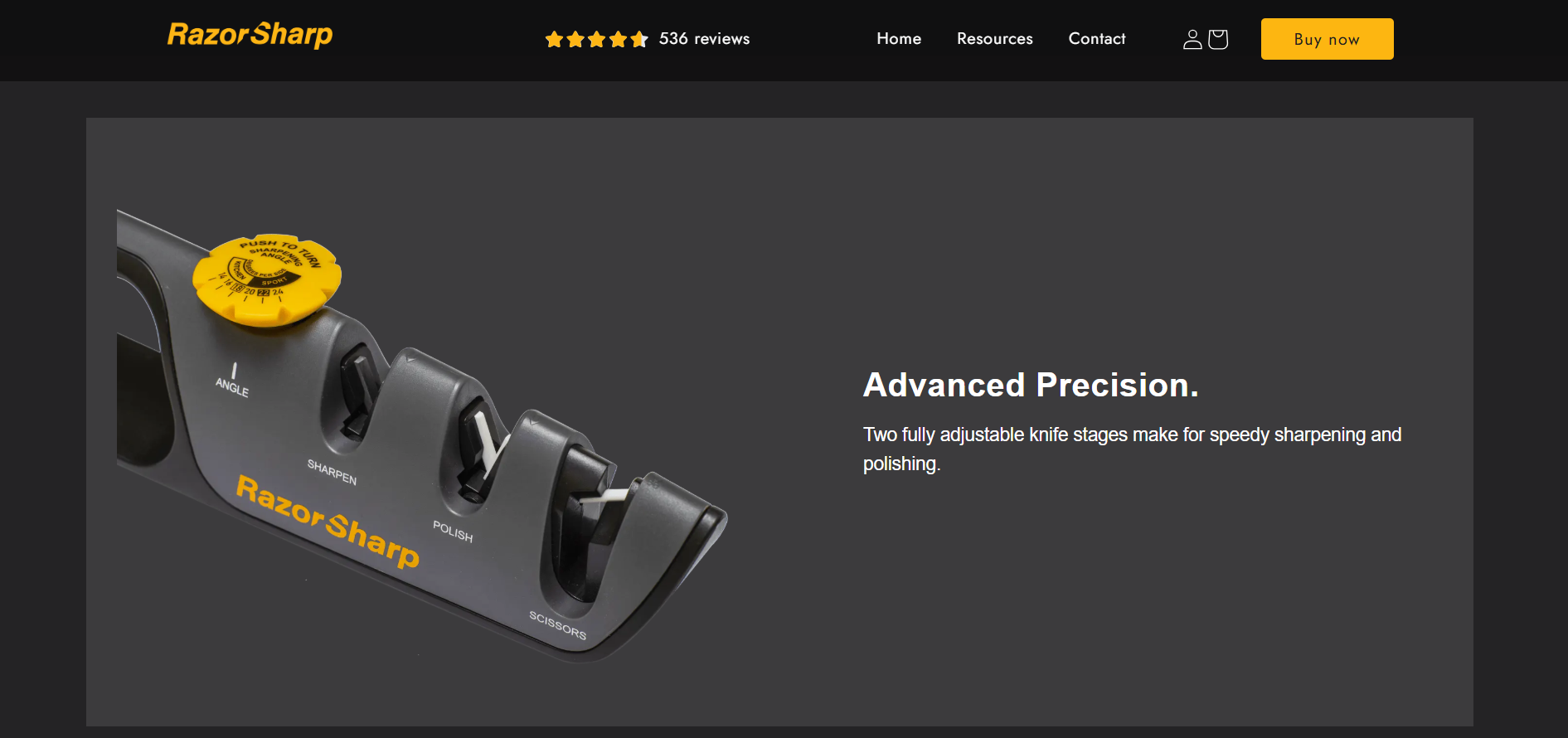
Replicating a design is a discipline, not a shortcut.
When a store already converts, the migration's job is to change the platform and nothing else. That sounds easier than a redesign and rarely is: a custom-built front end owes nothing to Shopify's section model, so matching it means rebuilding each block as a theme section that produces the same result while staying editable afterwards. Get impatient and you ship a store that is “close enough”, slightly different spacing, a proof element moved, a button one shade off. Any dip in conversion afterwards is then impossible to attribute.
The same logic drove doing GTM and analytics as part of the build rather than after launch. A migration is the one moment a store's historical data can quietly break; having measurement in place at cutover is what makes the “greater sales potential” claim testable instead of hopeful.
On Shopify, same storefront.
Kennedy Wellness
Stuck on a custom build?
Tell me what your current site does that Shopify supposedly can't, usually it can, and cheaper.
Start a conversation